

Every Scan Turns Into an
Instant Text Thread.
Welcome! You’re about to learn how to create a simple QR code that opens a pre-written text message, making it easier for potential buyers and sellers to contact you instantly.
Keep scrolling for the FREE tutorial video.
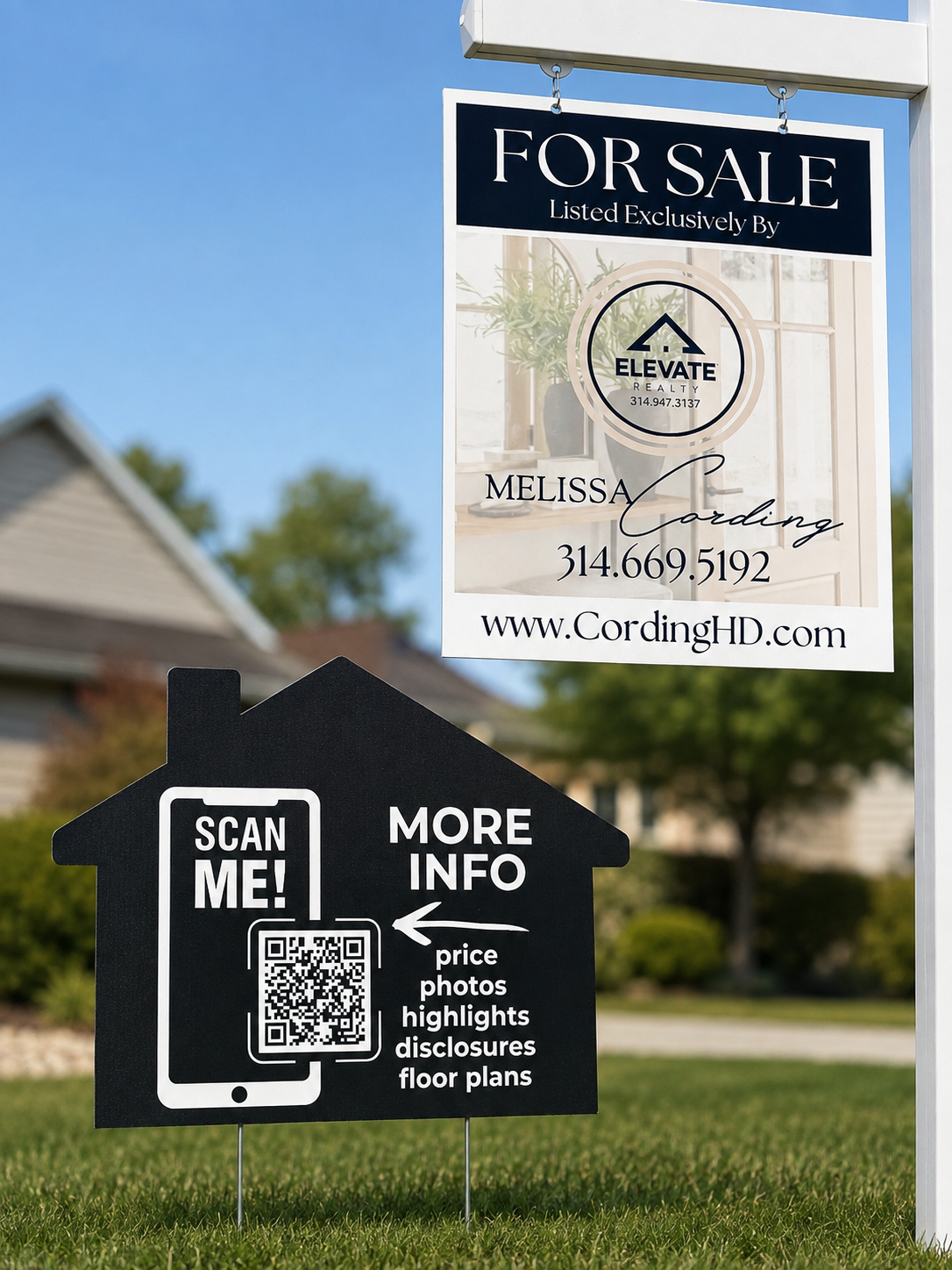
Place Your QR Code
Add your custom scan-to-text QR code to signs, flyers, postcards, open-house materials, social graphics, and more.
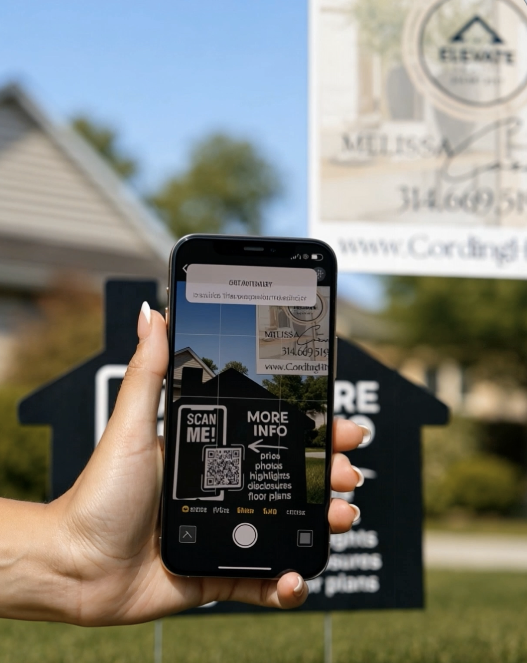
One Simple Scan
Potential clients scan the code with their phone, no app, website search, or complicated form required.
FREE TUTORIAL: Build your scan-to-text QR code in Canva.
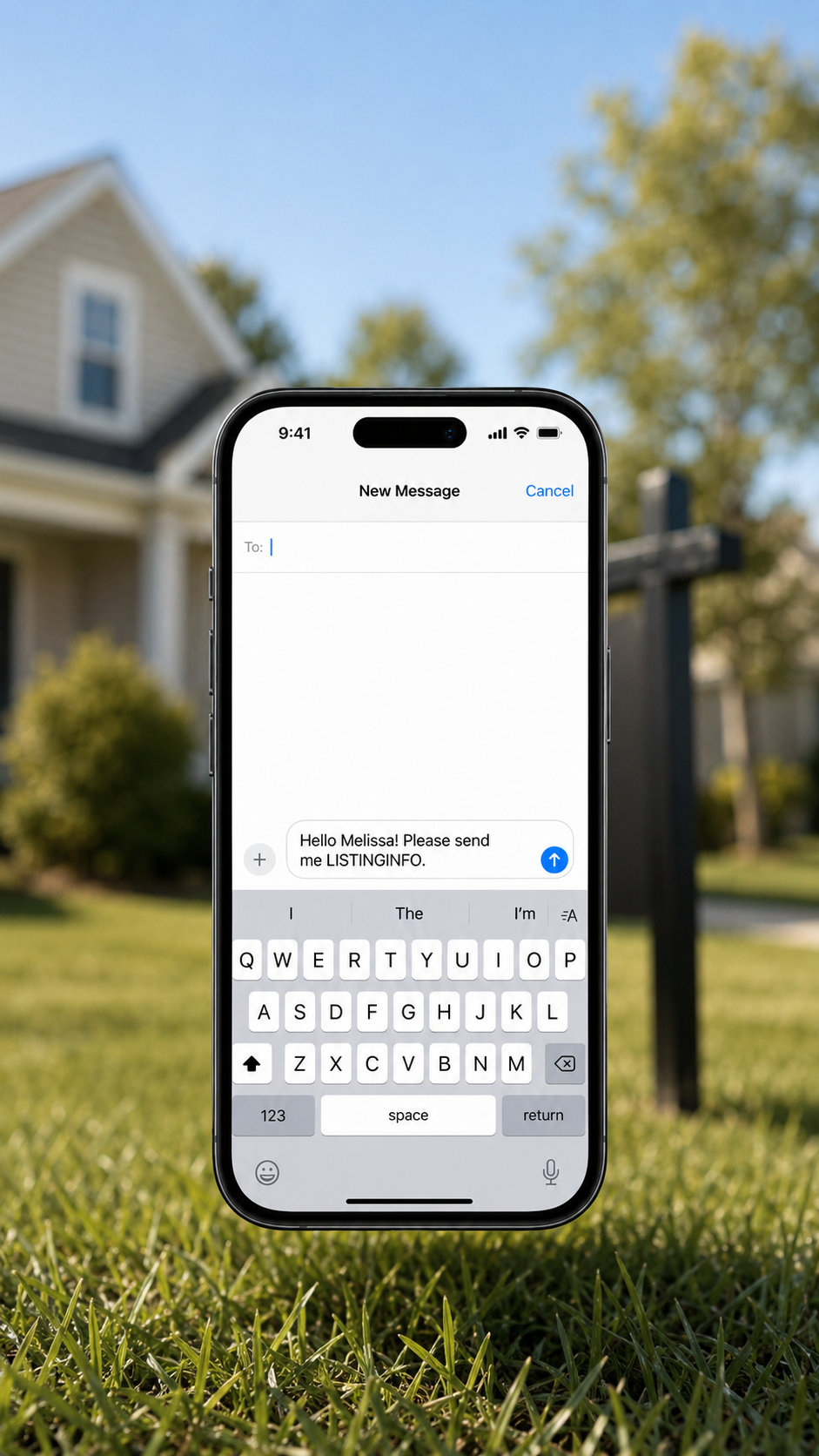
Start the Conversation
A pre-filled text appears instantly. They simply tap send, giving you a new lead and an opportunity to connect.
EXTENSION TUTORIAL: Set up auto-reply on your iPhone. Access this video in the Scan-to-Text Lead Kit.
Scan-to-Text Lead Kit
Get the complete Scan-to-Text Lead Kit for a one-time founding price of $47. You’ll receive the extended automatic-reply tutorial, editable Canva marketing templates, open-house resources, gift-sourcing links, and more, everything you need to put your QR code to work. No subscription required.
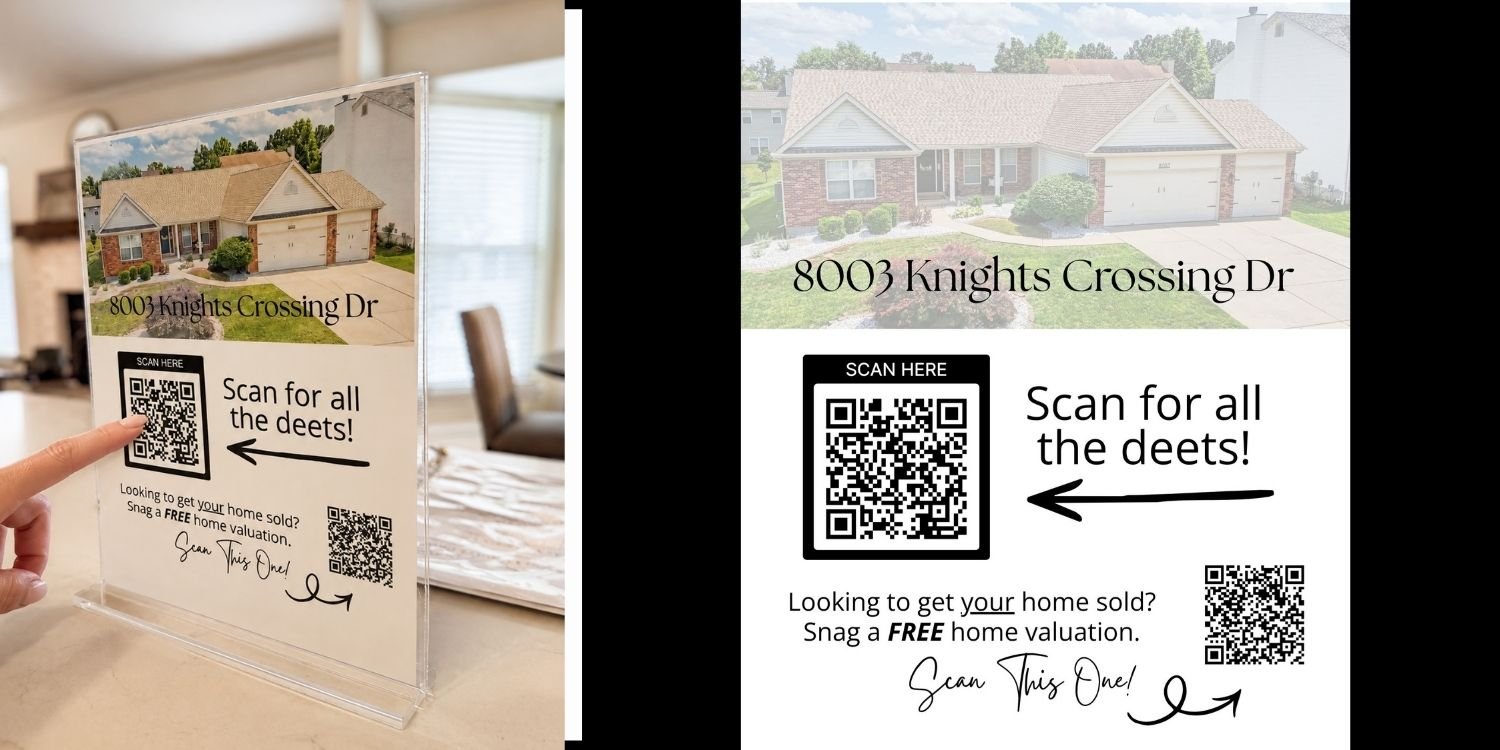
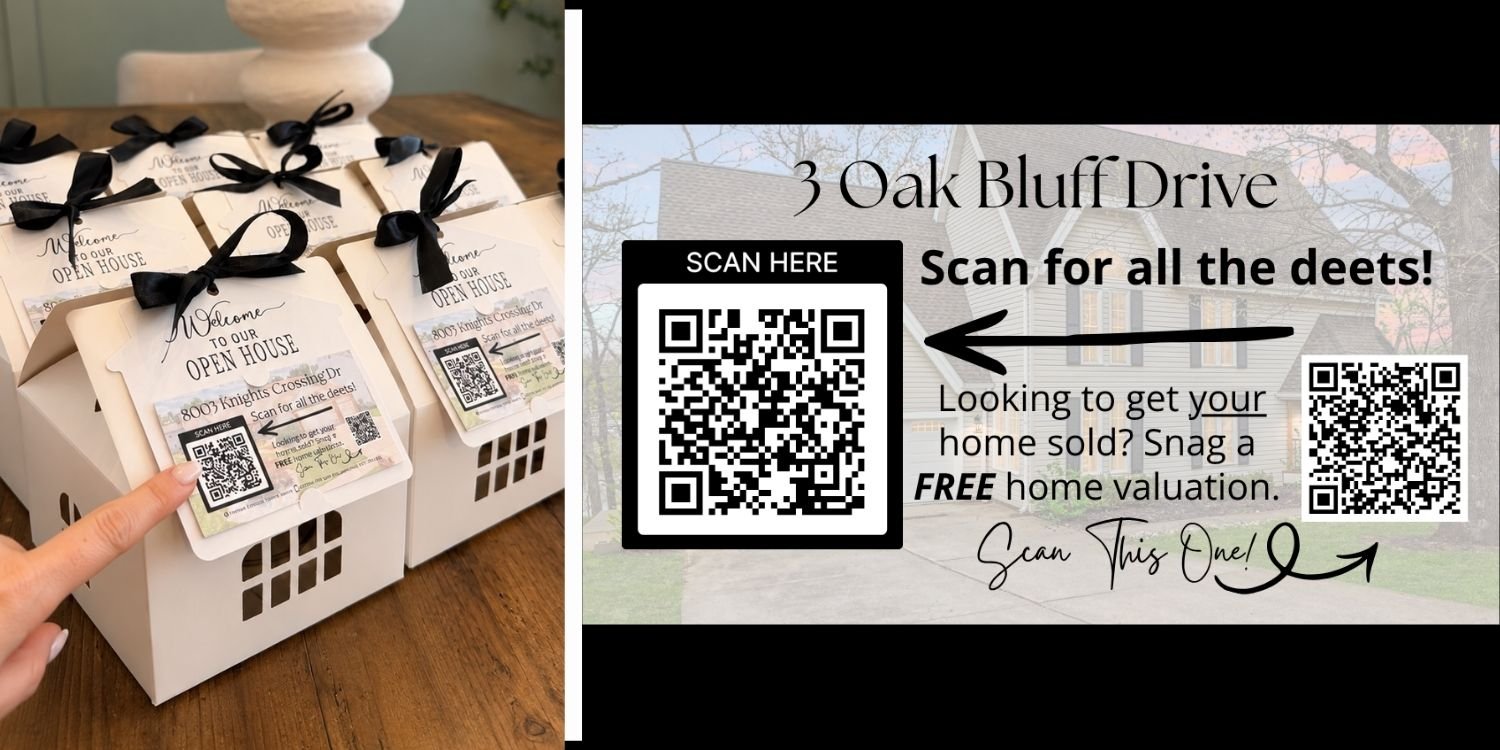
Because this kit includes instant access to digital products, all sales are final and refunds cannot be issued.
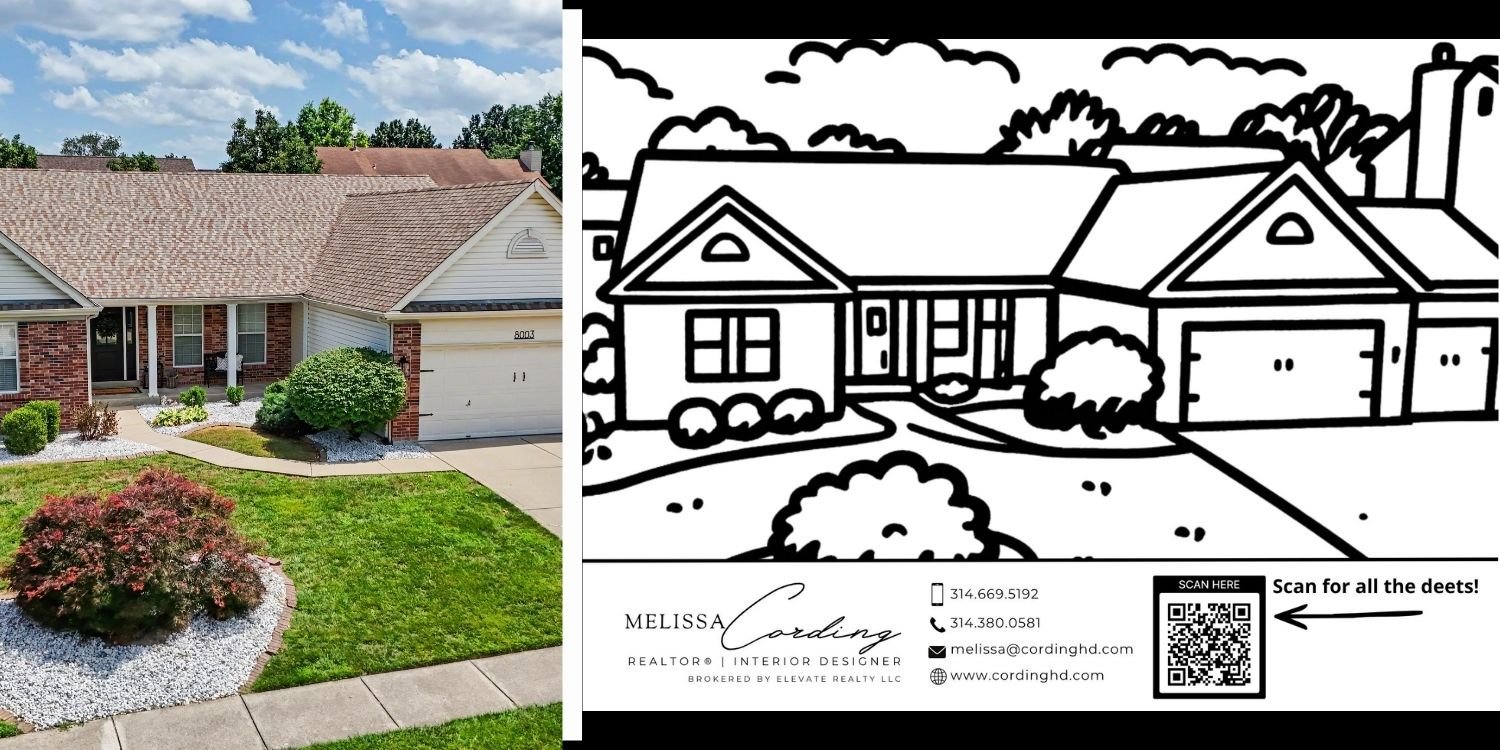
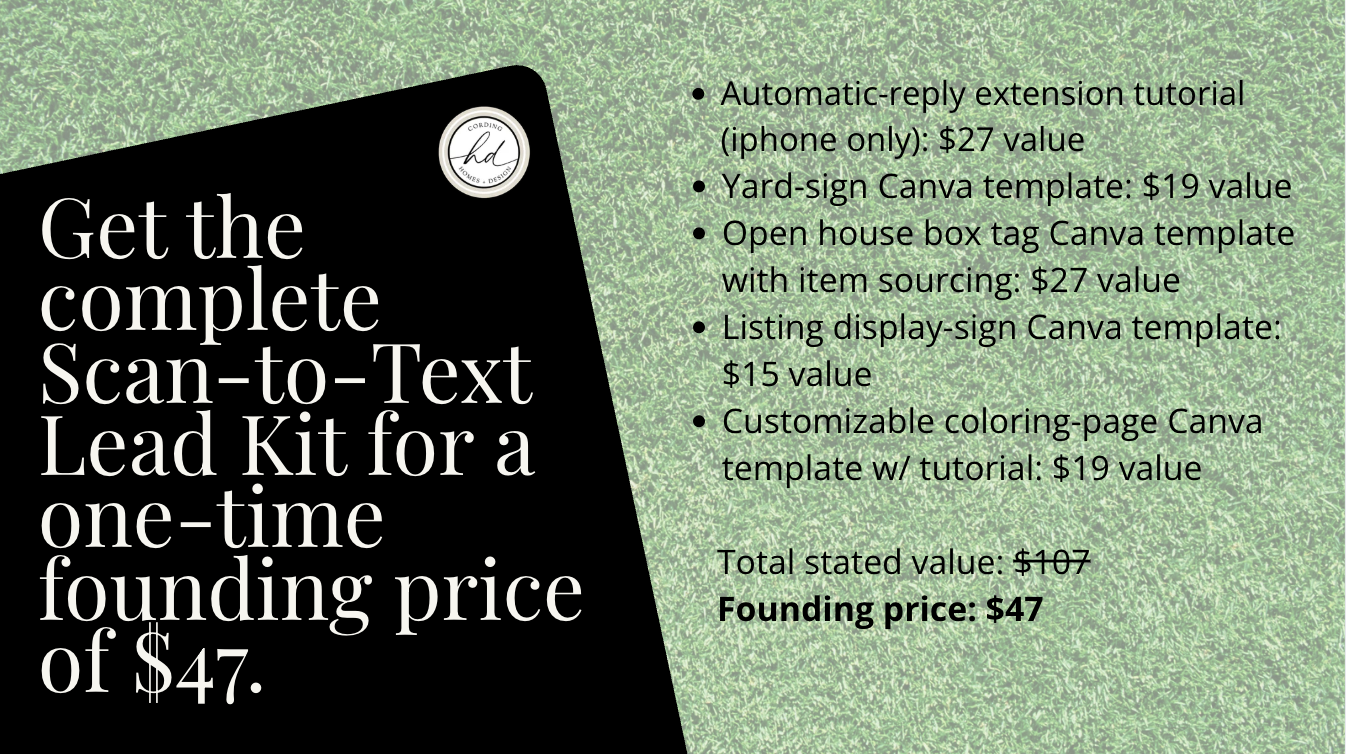
Because this kit includes instant access to digital products, all sales are final and refunds cannot be issued.